Your Sentien Audio is here.
Get started in 2 minutes.
Power on
Connect in 30s.
Adjust size
Dial in your fit.
Make it yours
Set up controls.
Power on
Put on the headset
Slide it over your ears. Speakers sit on your temples. Back frame behind your head.
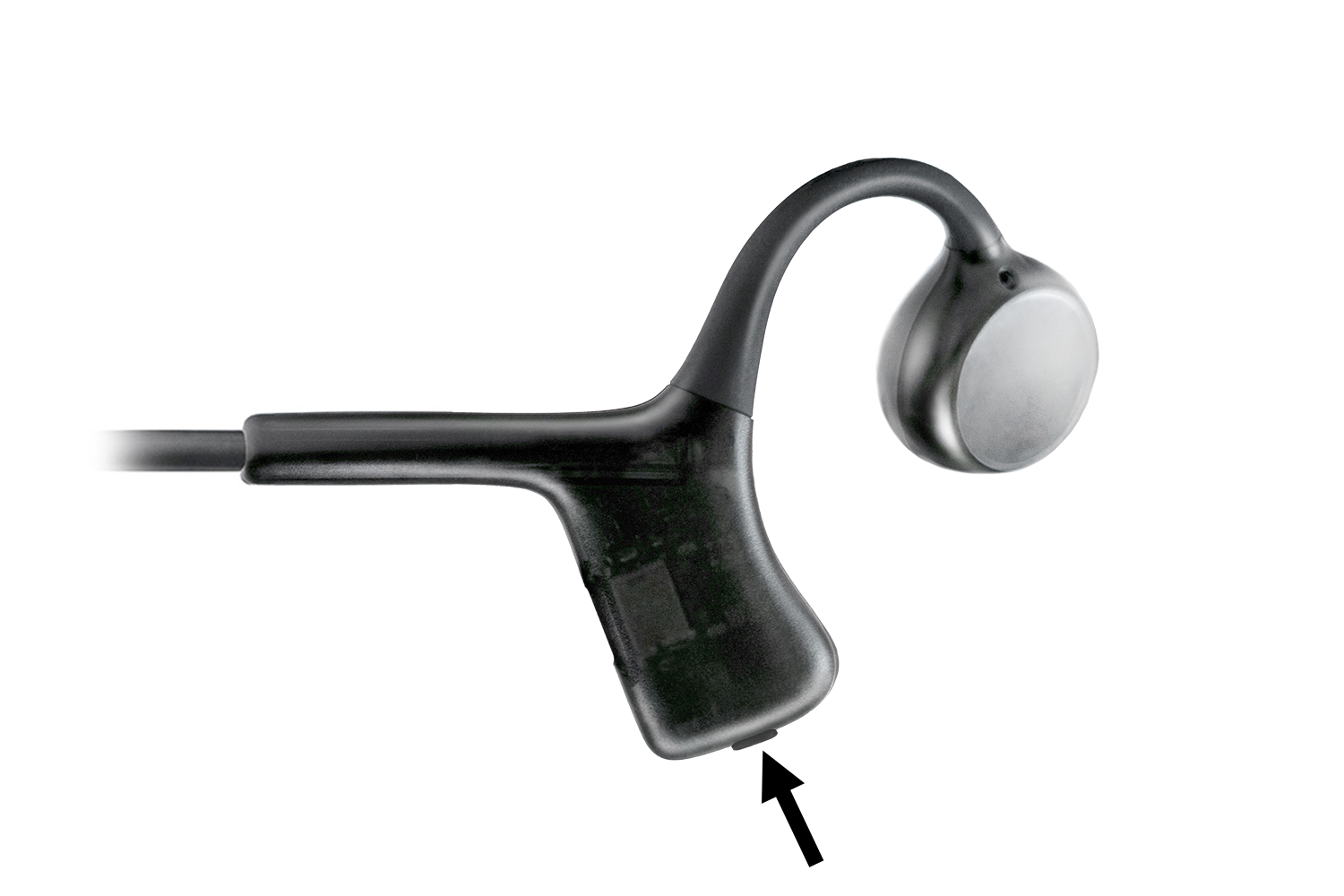
Power on
Press and hold the button on the right side for 3 seconds.
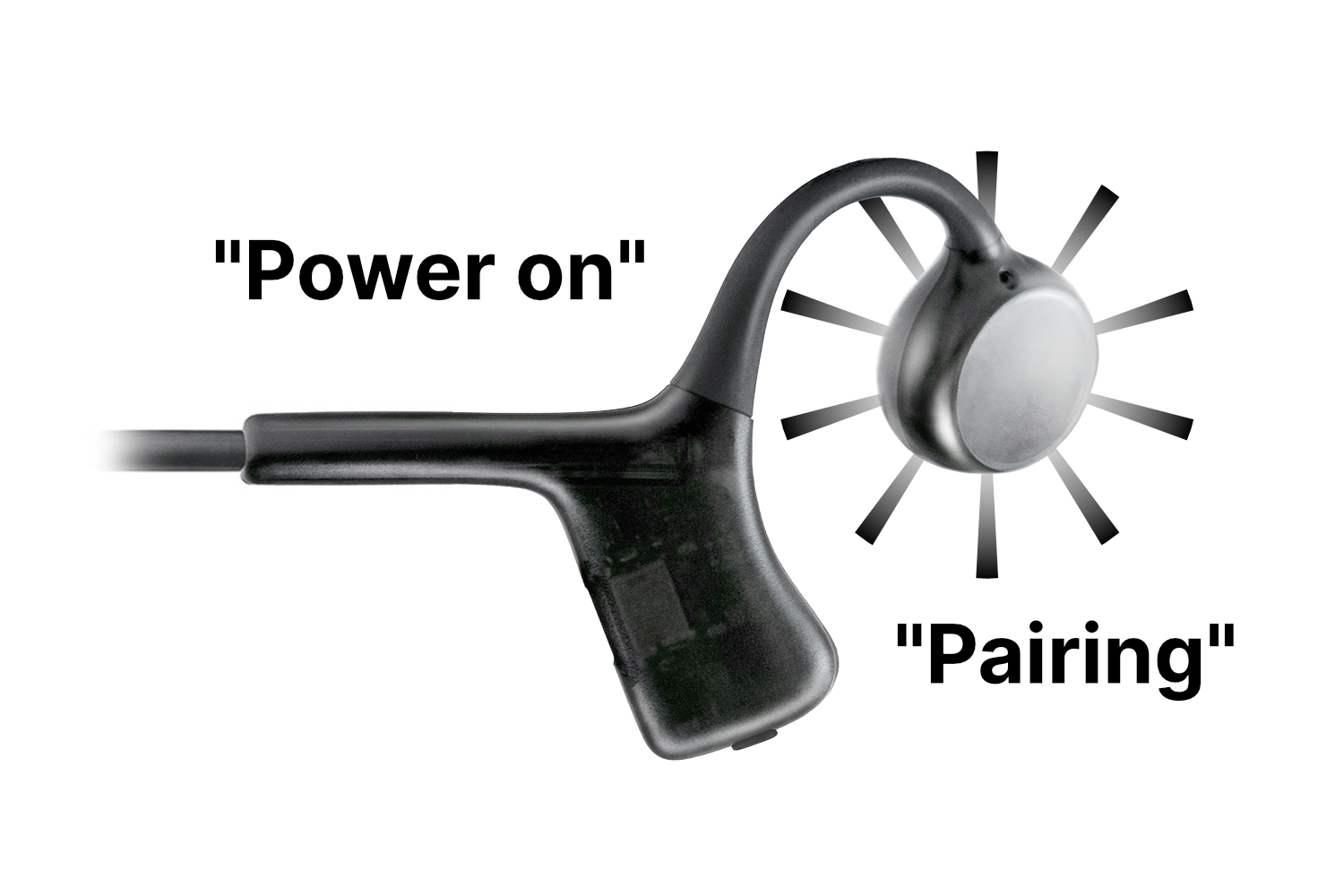
Automatic pairing mode
You’ll hear ‘Power on’ then ‘Pairing’. LED flashes white and red. Ready to connect.
Not in pairing mode? Double-press the button.
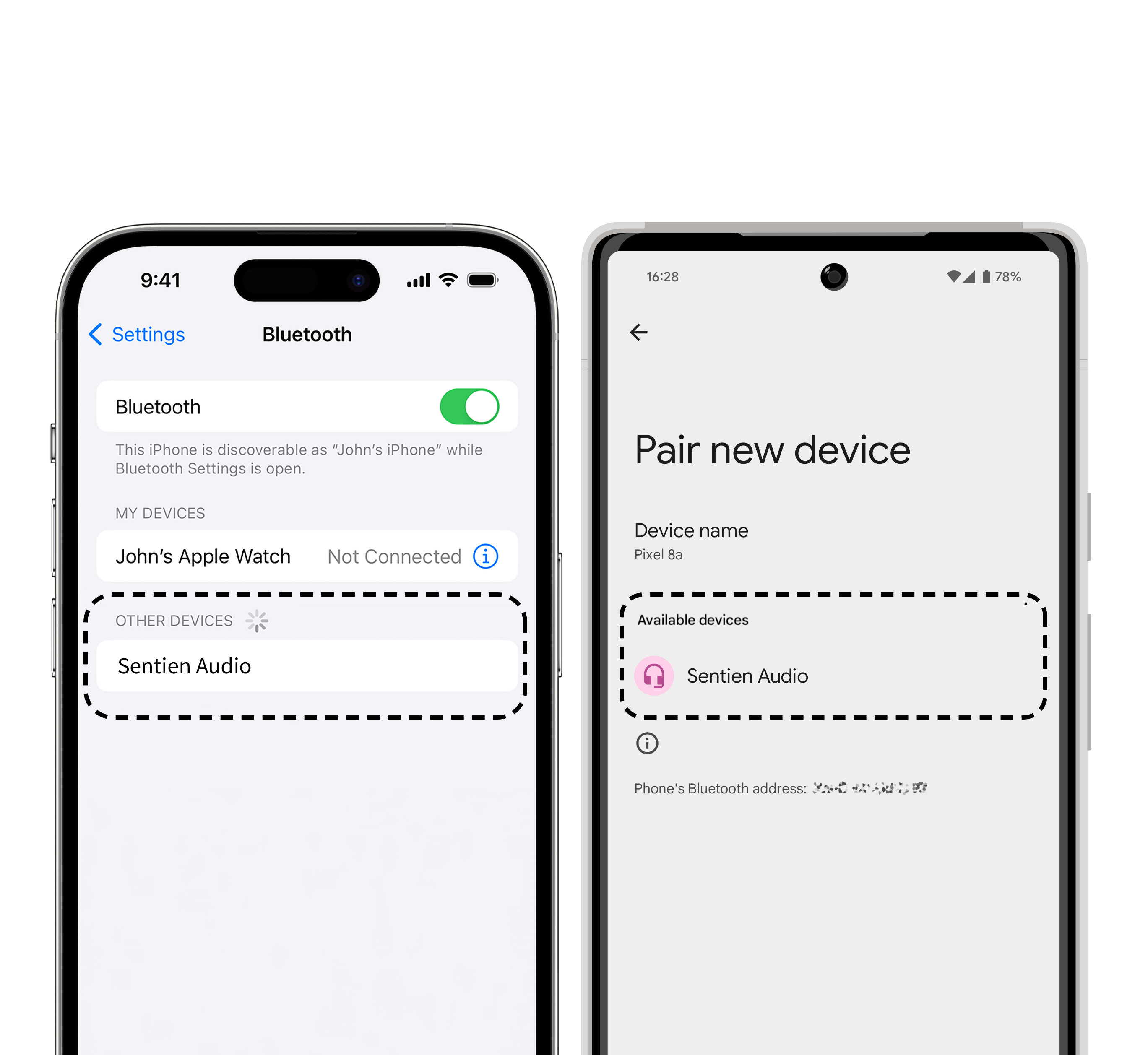
Connect to your device
Open Bluetooth settings. Select ‘Sentien Audio’. Done.
Adjust size
Right fit = best sound. Like glasses — you forget it’s there after a day. Small tweaks matter.
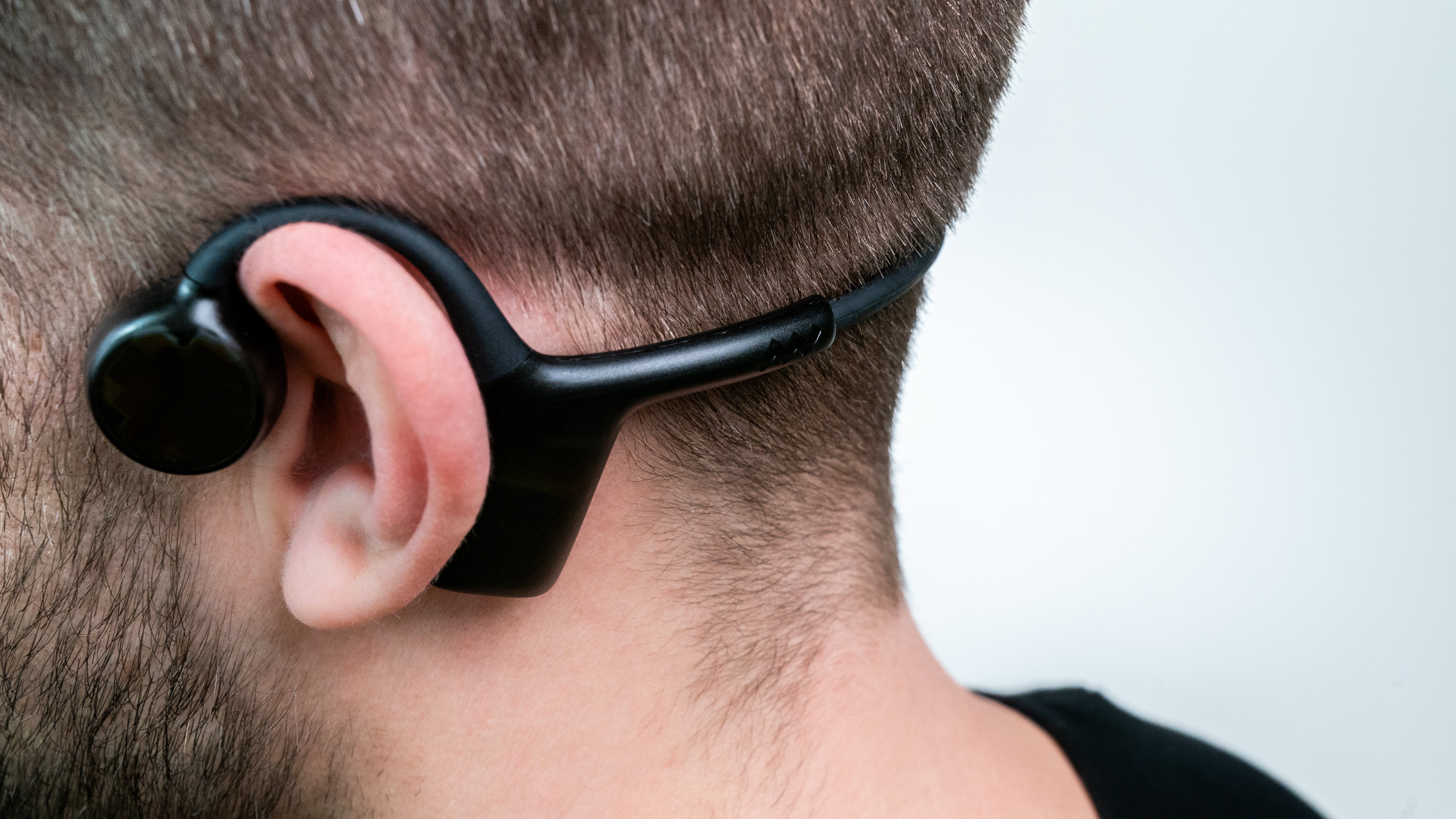
Too small
Headset feels tight, pressing on your head.
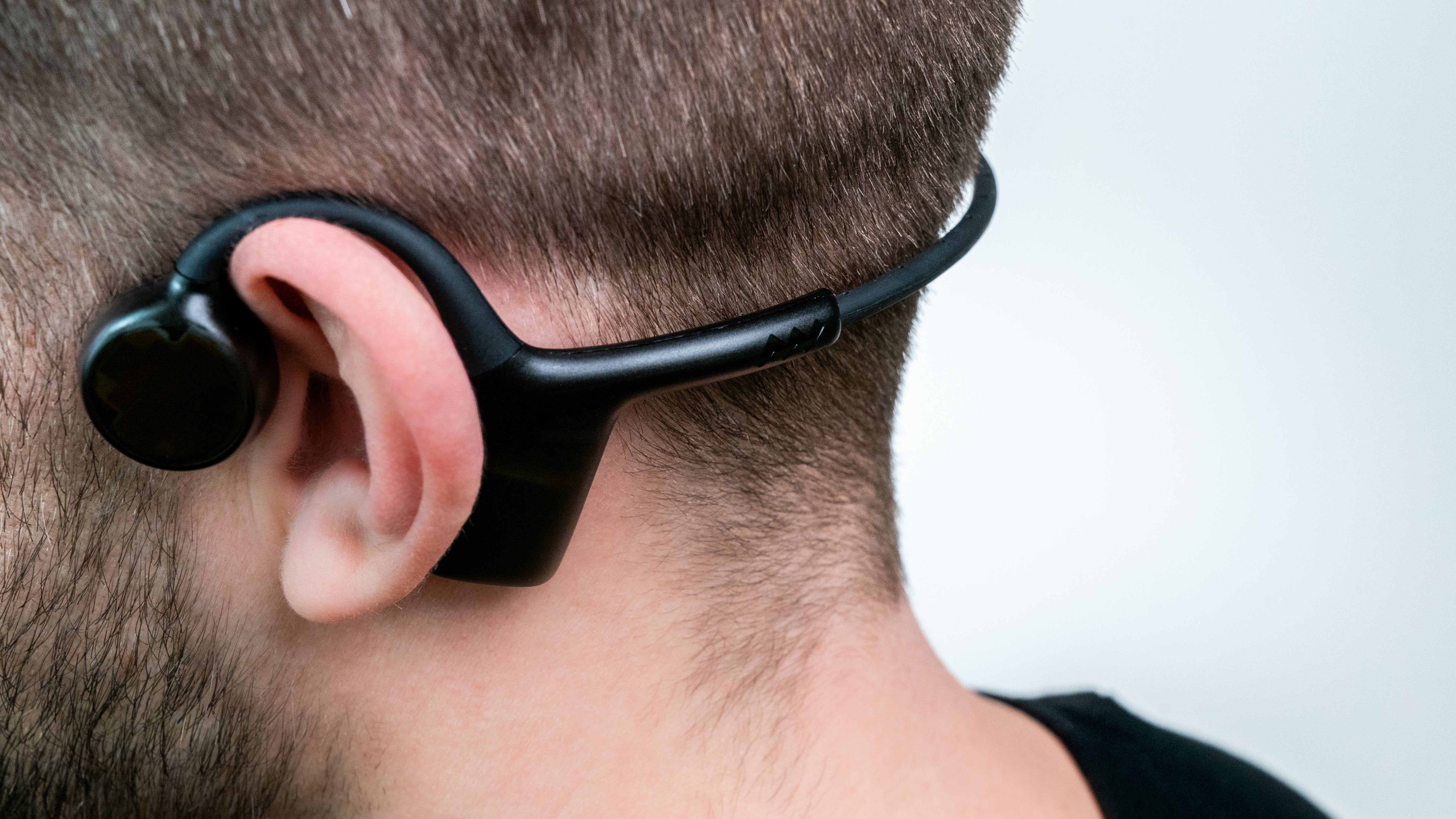
Just right
Speakers sit in front of your ears. Back frame about a pinky-width away.
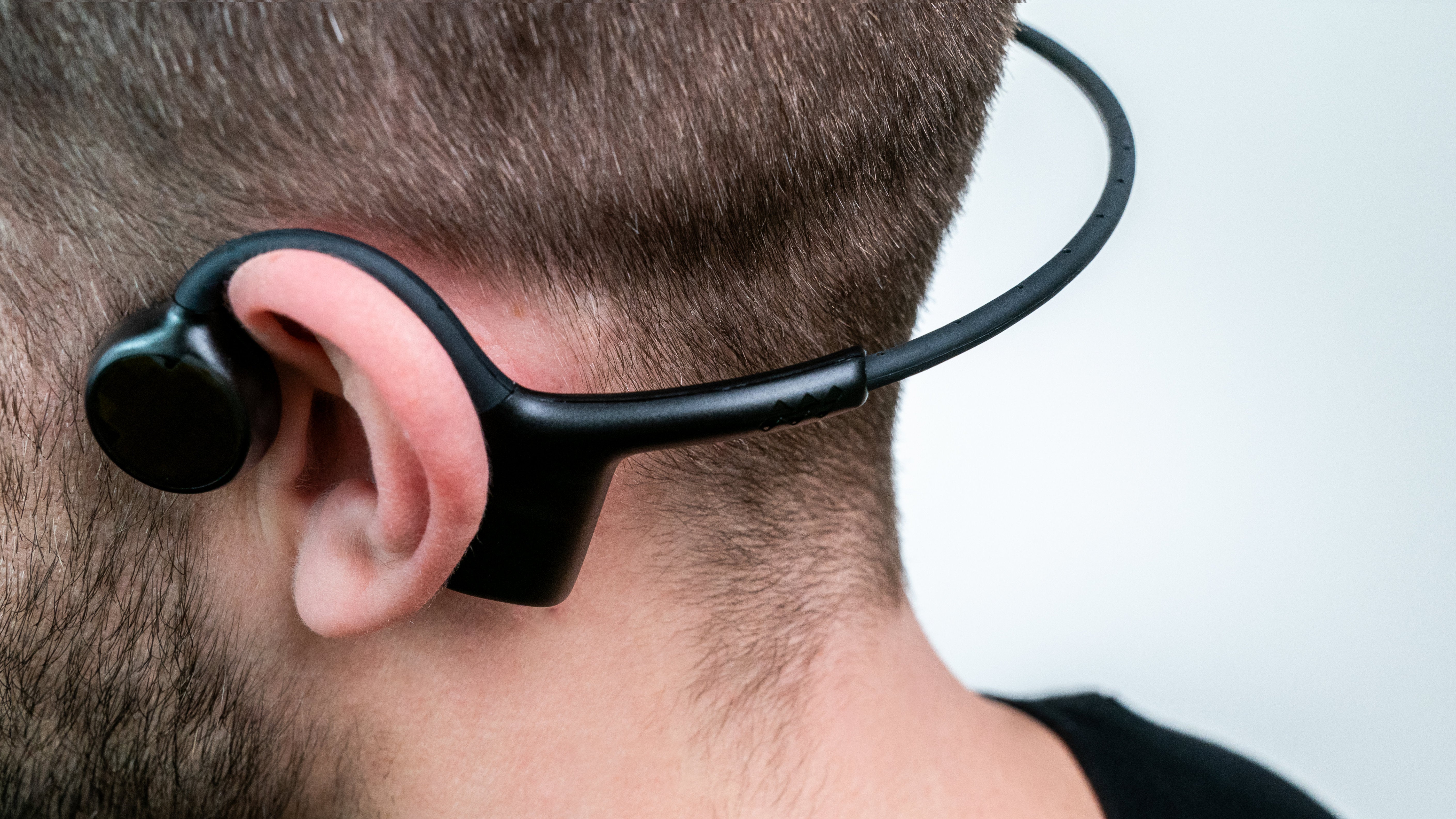
Too large
Frame hangs loosely or shifts when moving.
How to adjust
Both sides of the back frame adjust. Do one side first, then the other.
Common questions
Slide the back frame to change the size. Right fit means better sound.
Upgrade your headset
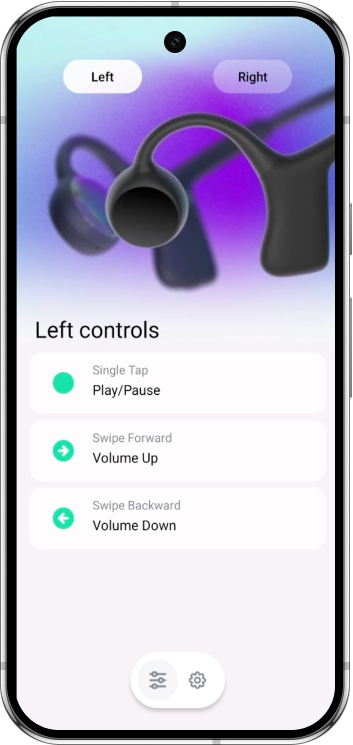
Sentien Connect app
Configure your headset
- 10 touch gestures — tap, swipe up/down, forward/backward
- Firmware updates over the air. New features ship automatically


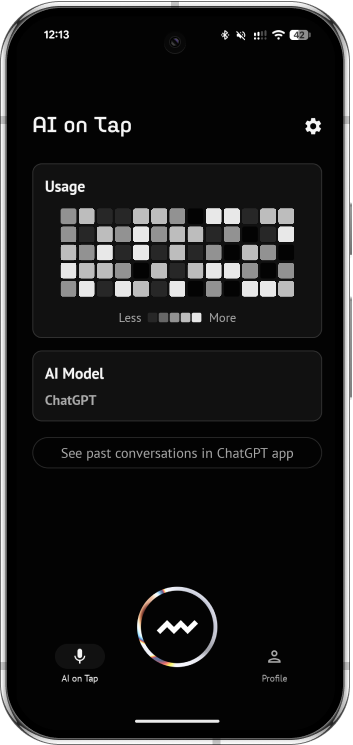
Sentien app
Talk to ChatGPT hands-free
- Tap to talk to ChatGPT from any headset
- Conversations sync to your ChatGPT app
- Leave your phone in your pocket
Don’t have Sentien Audio yet?